
Generate a keypair + profile in one step
- Prompts for a profile name (suggesting
defaultif the slot is free; otherwise leaves the default empty so a stray Enter can’t overwrite the active profile). - If
--key-filepoints to a non-existent path → generates a fresh P-256 ECDSA keypair locally (crypto/ecdh), writes the private JWK to that path at mode0600(only your user can read it). The file containskty,crv,x,y,d,kid— thekidis the random key identifier used to look up the matching public key on the server. - If
--key-filepoints to an existing private JWK → leaves it alone, just re-derives the public half. - Prints the public JWK (no
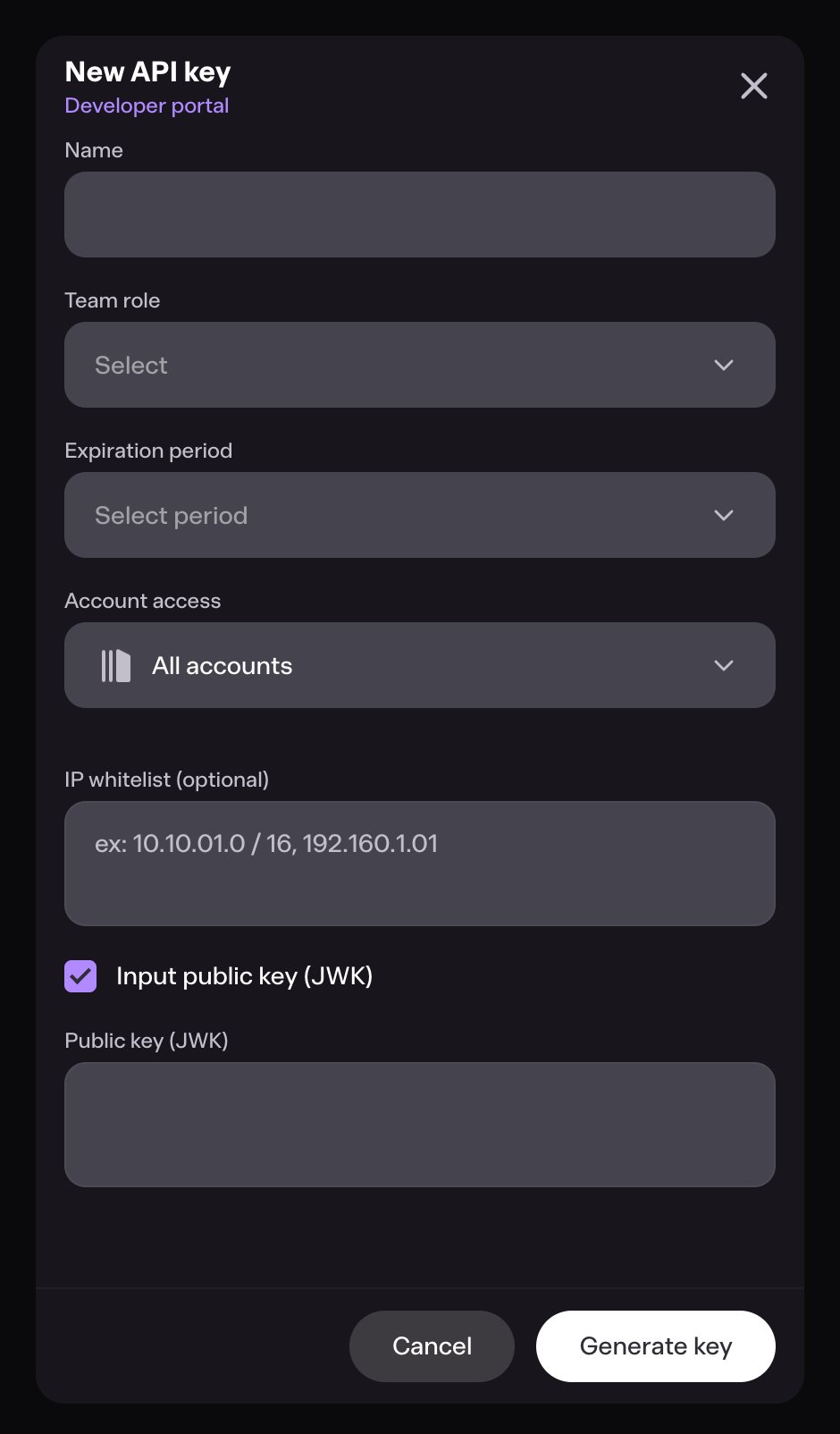
dfield) and waits — paste it into Bron Settings → API keys. - After you press Enter, calls
GET /workspaceswith the freshly registered key. That single call validates the registration (you’d 401 if the public JWK wasn’t accepted yet) and returns the workspace the key is bound to. The CLI saves the resolvedworkspaceIdinto the profile.
--workspace is required — the auto-discovery prompt has no scripted equivalent, and silently saving an unverified profile would be worse than failing fast.
kid; when the CLI signs a request the server looks up the matching public key and verifies the signature.
The private key never leaves your machine. If you lose it, generate a new keypair (point --key-file at a fresh path) and revoke the old kid in the UI.
Re-print the public JWK at any time
If you forgot to copy the public JWK earlier, rerunbron config init with the same --name and --key-file. The CLI re-derives the public half from the existing private JWK on disk (no key regeneration), prints it, and walks you through the same auto-discovery flow as the first run — paste the JWK into Bron Settings → API keys, press Enter, the CLI calls GET /workspaces to validate and resolves the workspace ID:
--workspace explicitly — the CLI then skips GET /workspaces and writes the profile as-is:
Profiles
A profile binds a key file, workspace, and base URL together so you don’t repeat them on every call. Configs live in~/.config/bron/config.yaml (override with BRON_CONFIG).
Per-call overrides
Every flag a profile sets has a CLI override:Env-var overrides
Useful for CI / containers / one-off scripts:BRON_API_KEY (raw JWK bytes) wins over BRON_API_KEY_FILE and key_file: when all are set — pair it with a secret store (1Password, Vault, sops) so the private JWK never lives on disk. The CLI strips the var from its environment after reading, so child processes don’t inherit it.
Precedence (highest first): explicit flag → env var → active profile → built-in default.
Proxy
Outbound from the CLI honors:BRON_PROXYenv var- standard
HTTPS_PROXY/HTTP_PROXYenv vars proxyfield set on the active profile (bron config set proxy=...)
http://user:pass@host:8080. The same proxy is used for both REST and WebSocket transports (the bron tx subscribe socket goes through it too).
Key rotation
- Generate a new keypair and point the active profile at it in one step:
bron config init --key-file ~/.config/bron/keys/me-new.jwk(the non-existent path triggers a fresh keygen + private file at mode 0600 + prints the public JWK). - Register the new public JWK in Settings → API keys.
- Verify with a no-op call:
bron workspace info - Revoke the old
kidin the UI.
kid, so old and new keys coexist during a rotation window.
Permissions
API keys inherit the permissions of the workspace member they belong to. If the user can approve transactions in the UI, the CLI can too — there’s no separate “API mode” with reduced privileges. Reduce scope by creating a member with limited permissions and registering the key under that member’s account.Troubleshooting
If a request fails with a 4xx / 5xx, the CLI prints the API error envelope plus an
id: line containing the correlation ID. Quote that ID when reporting issues — it lets us pull the exact ES log line for your call.